Worksheet GENai (formerly known as TeacherGENie) is a new feature on CENTURY that uses the power of generative AI and CENTURY’s content to create custom worksheets. These worksheets can then be printed and used for in-class activities, homework, topic assessments, revision and more.
How to use Worksheet GENai
To get started on this fantastic feature, follow the instructions below:
1. Navigate to the Teacher Dashboard, select the class you’d like to generate a worksheet for and click on the Worksheet GENai tab at the top.
Note: Only classes with eligible courses will have the Worksheet GENai tab appear. To learn more about which courses are available for worksheet generation, click here.
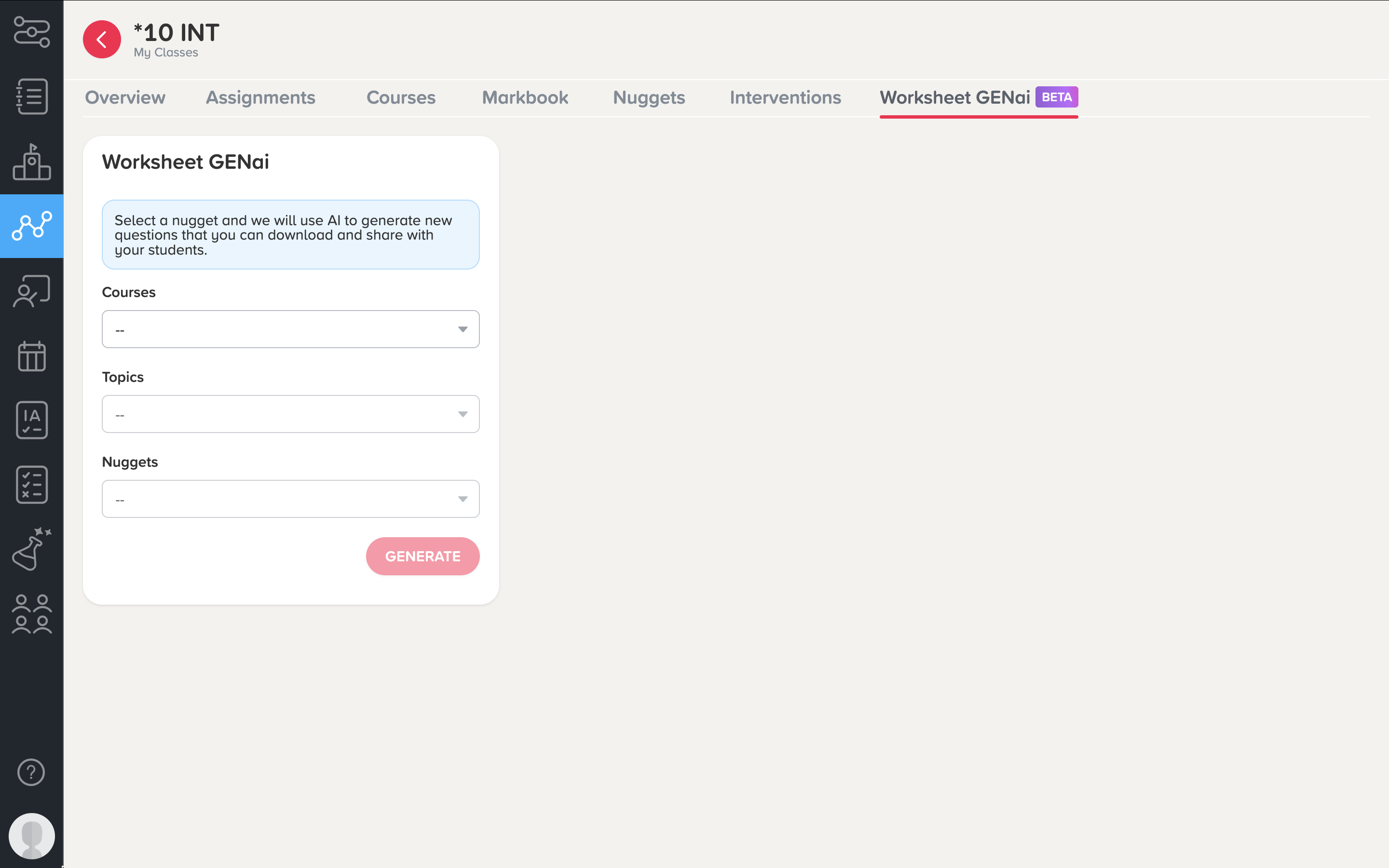
2. Select the course, topic and nugget for which you’d like to create a worksheet.
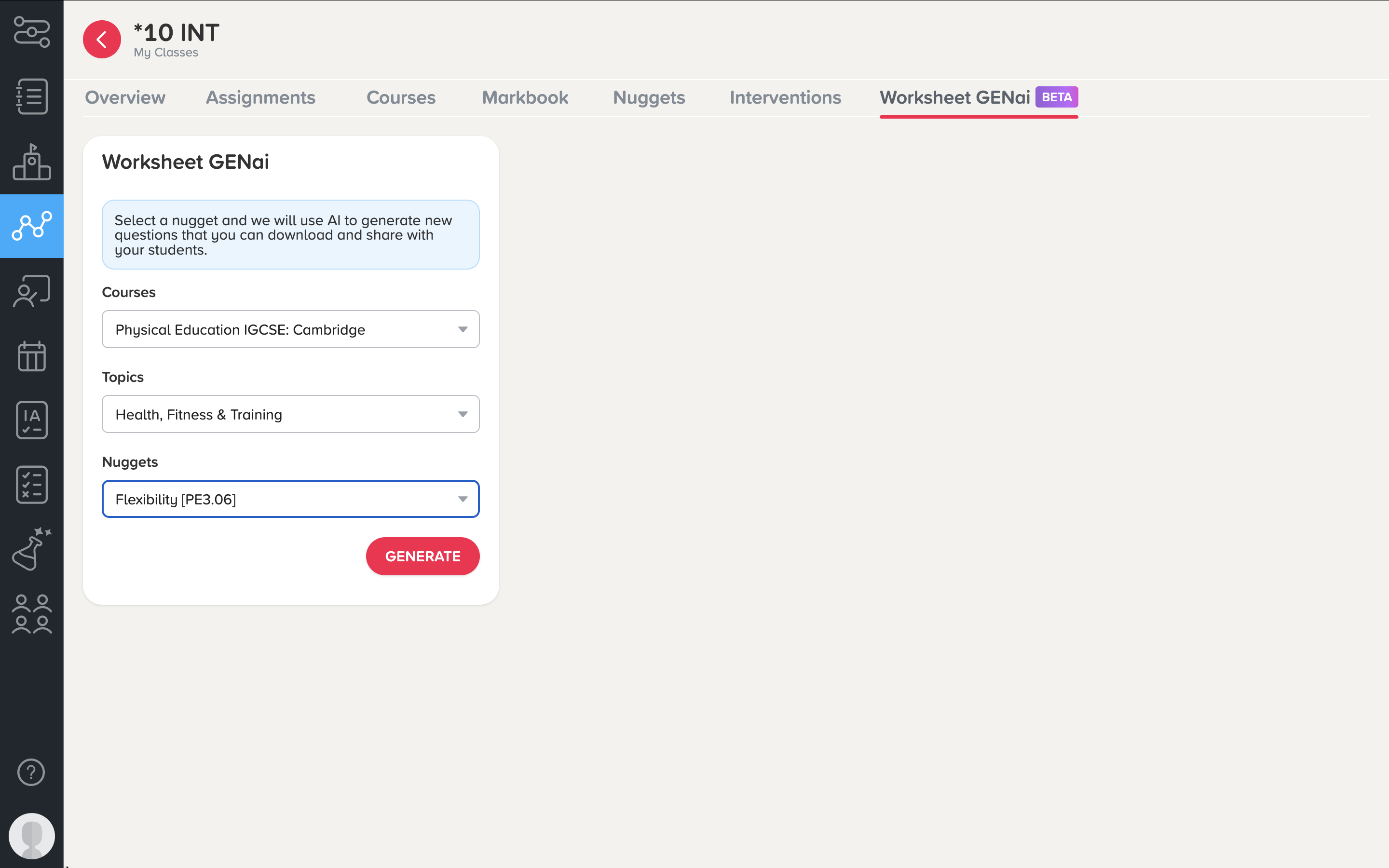
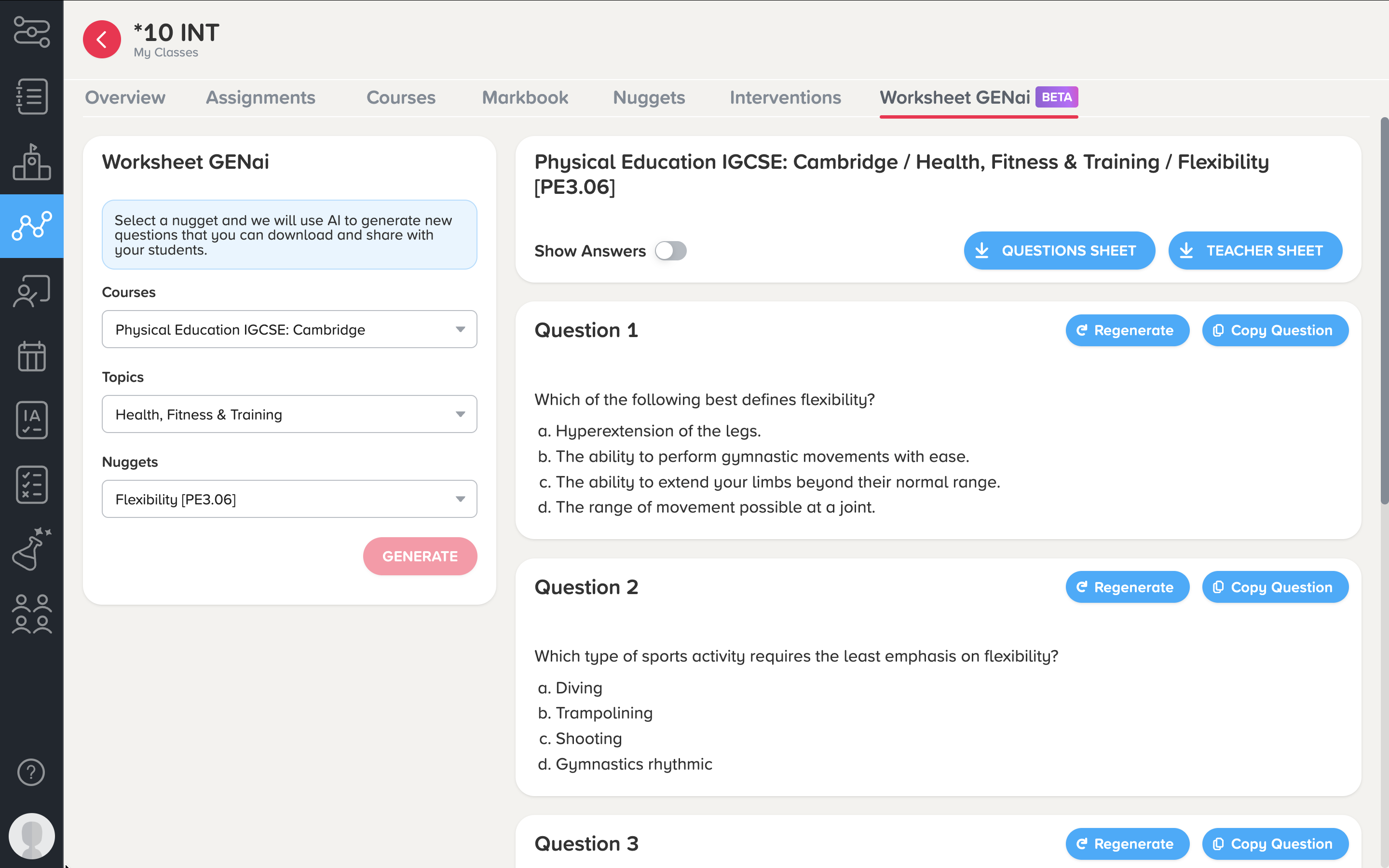
3. Click ‘Generate’ and a worksheet will be created! You can regenerate new questions at any time, which will prompt you to supply feedback to the team.
4. You will then be able to download the worksheet and the teacher sheet (which will include the answers) as a PDF. Alternatively, you can copy the questions to an external document.
Was this article helpful?
That’s Great!
Thank you for your feedback
Sorry! We couldn't be helpful
Thank you for your feedback
Feedback sent
We appreciate your effort and will try to fix the article